← Platform / Studio
Studio
A design editor that already knows your brand
Studio is the design tool you currently open in another tab — except it already knows your brand colour and font, and whatever you make here can go straight into a page or a scheduled post.
Replaces
Canva · Adobe Express
Who it is for
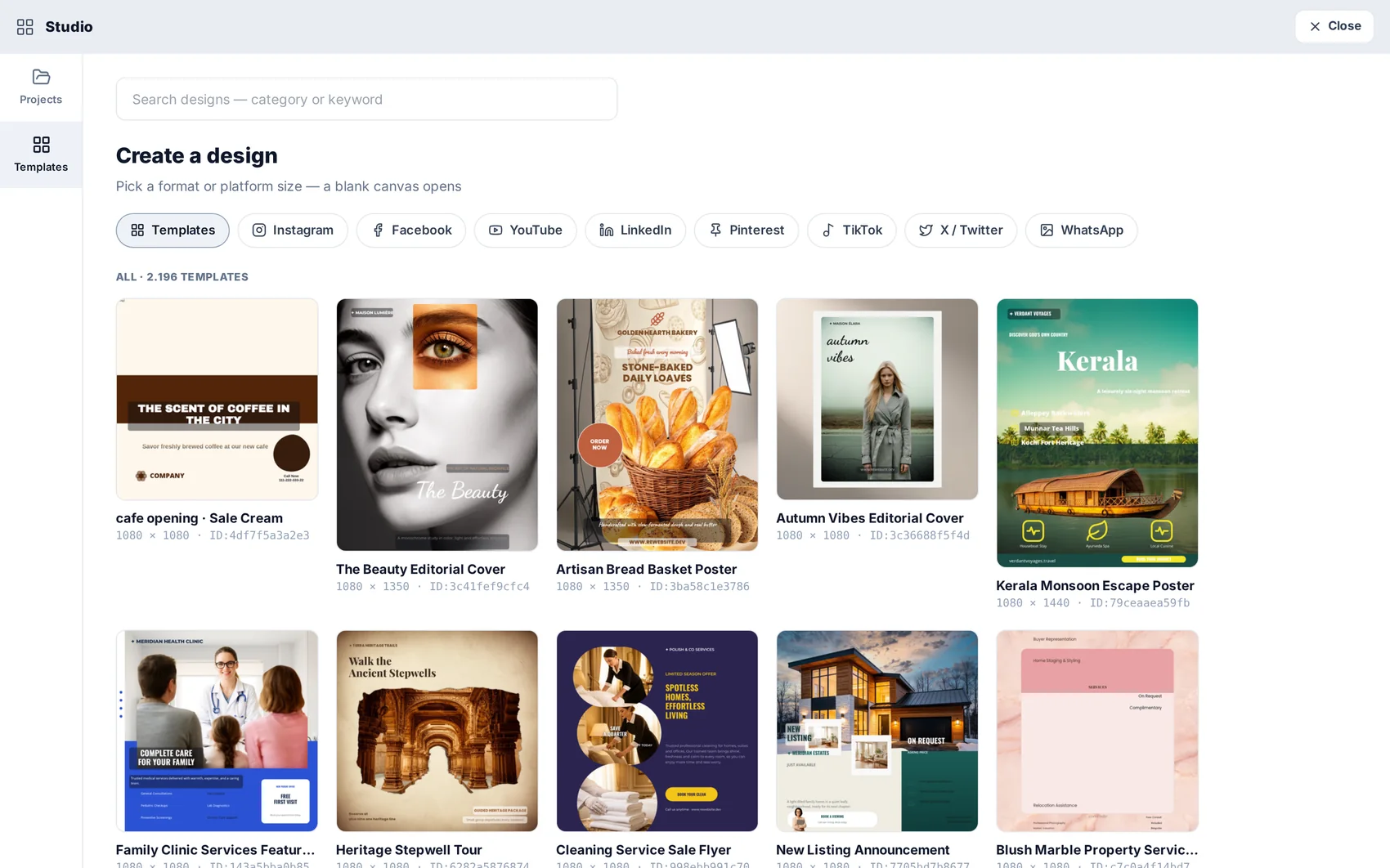
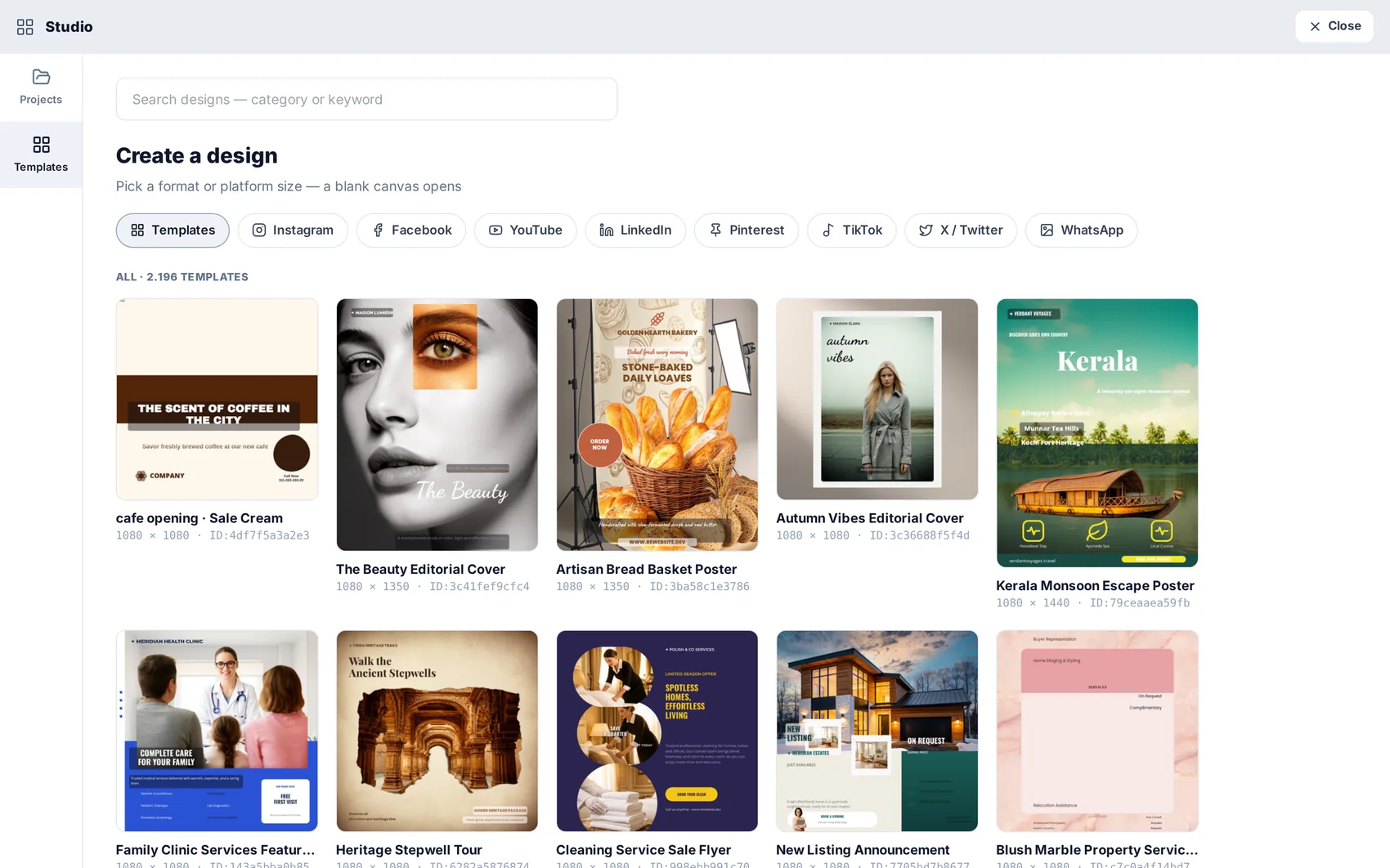
Ready designs that adopt your brand
Browse by purpose — social post, story, poster, banner, card — and pick one. It arrives already using your colour and typography, so it is a starting point rather than a stock graphic with your logo dropped on it.
A real layered canvas
Text, images, shapes and groups are layers you can move, resize, rotate, mask and align. Alignment guides appear as you drag, and the layer panel keeps complex designs manageable instead of a pile of overlapping boxes.
Wired to the rest of the platform
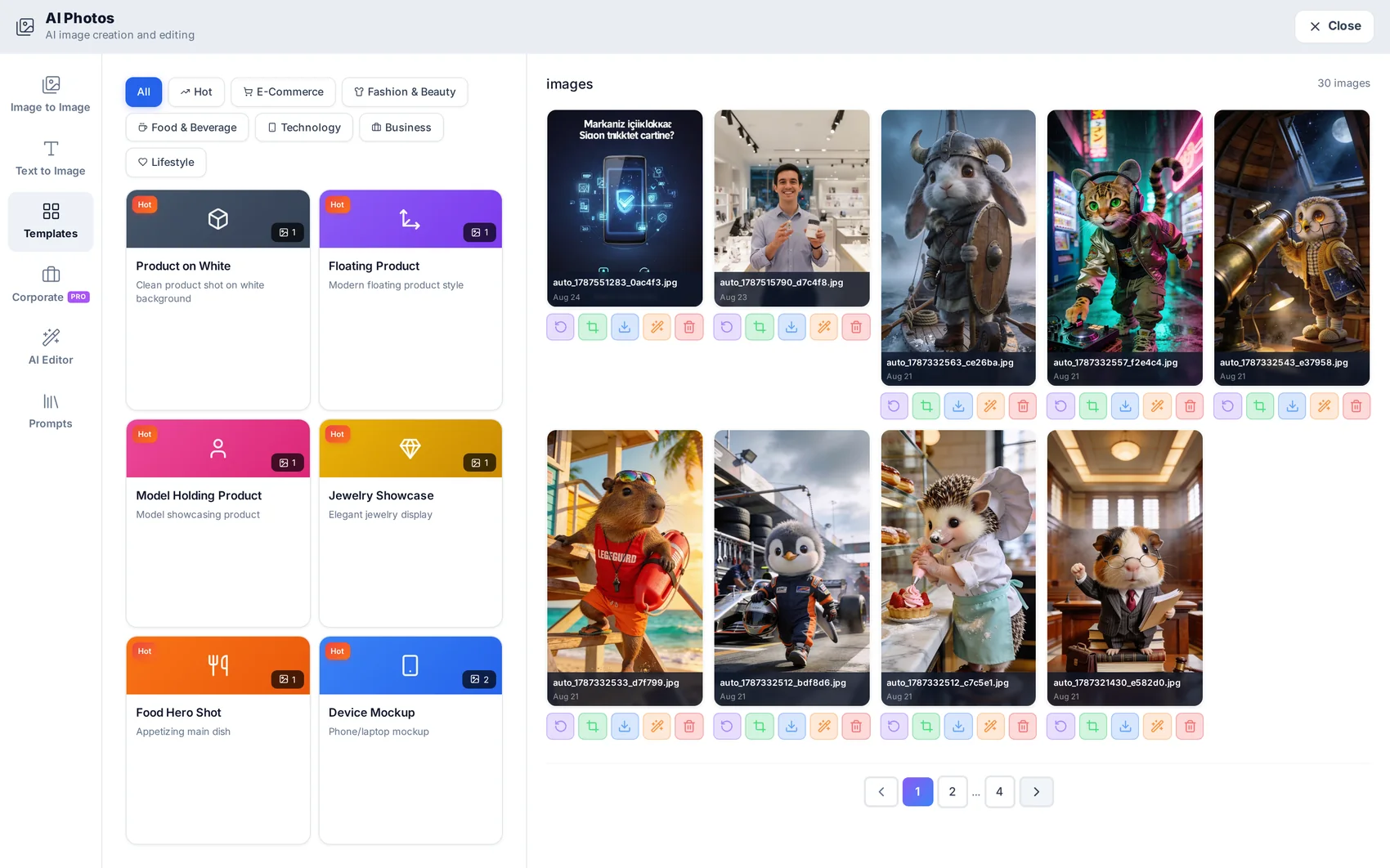
Generated images from AI Photos are one panel away. Finished designs can be downloaded, dropped into a website section, or attached to a scheduled social post without leaving the platform.
Questions about Studio
Anything else? Write to [email protected] or read the step-by-step guide.
Does using Studio cost credits?
Designing does not. Only generation does — an AI image you create inside the design, for example.
Can I upload my own fonts and logo?
Yes. Brand assets live in the project and are applied by the templates.
What sizes are supported?
Standard social and print formats plus custom dimensions — and a design can be resized into another format.
Studio is included on every plan.
The plan decides how many projects and credits you get — not which modules you can open. Start on the free plan and see for yourself.