
How to actually use the platform
Every guide below is written from the real screens: what you will see, what to press, and what to check afterwards. Start with the first one if you are new — the rest go module by module.
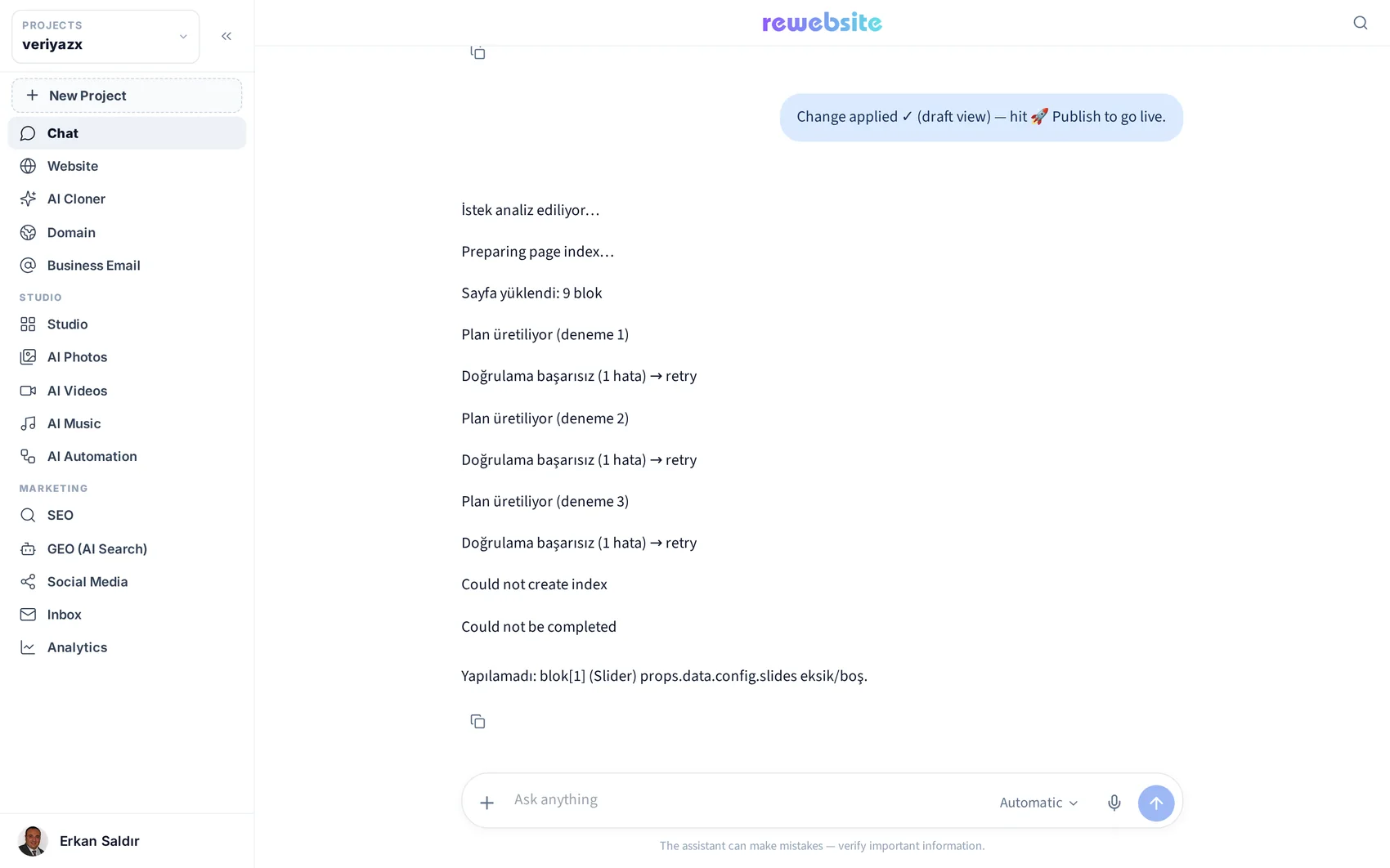
Building and publishing the site
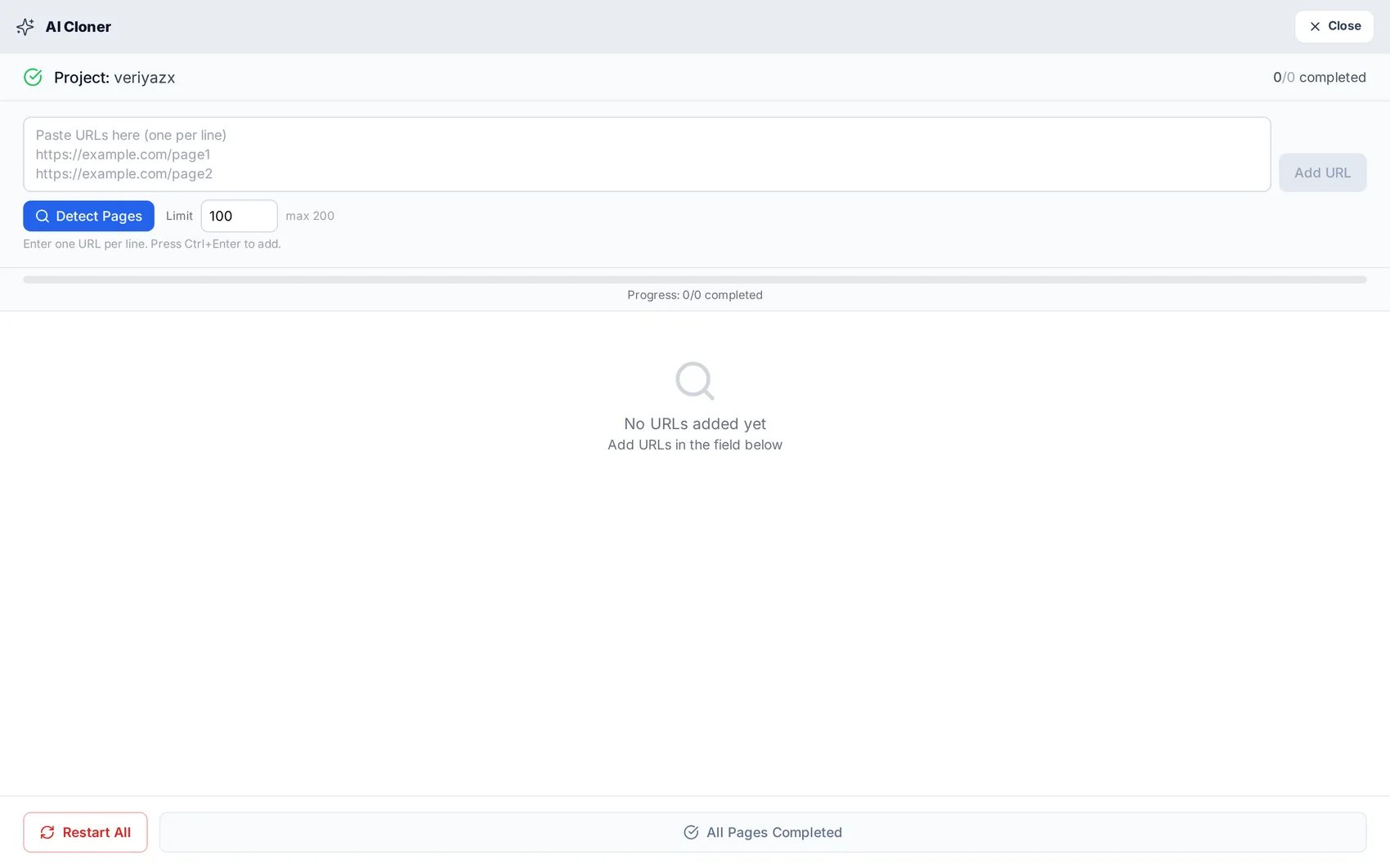
Clone an existing website
Turn a live URL into a fast, editable, multi-page project — and know what to check afterwards.
Open guide →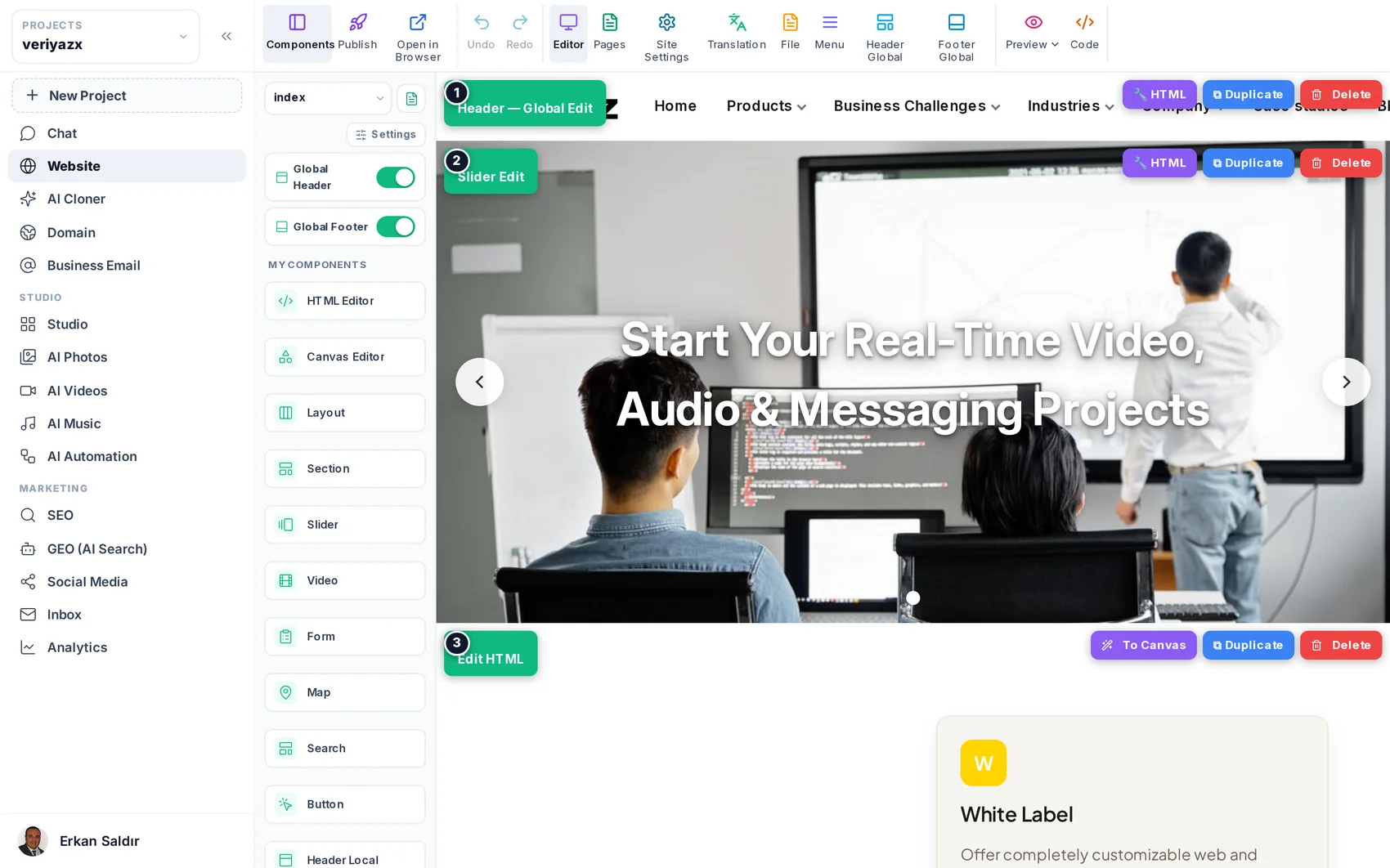
The visual editor: blocks, sections and settings
How to edit anything on a page without code — and where the advanced doors are when you want them.
Open guide →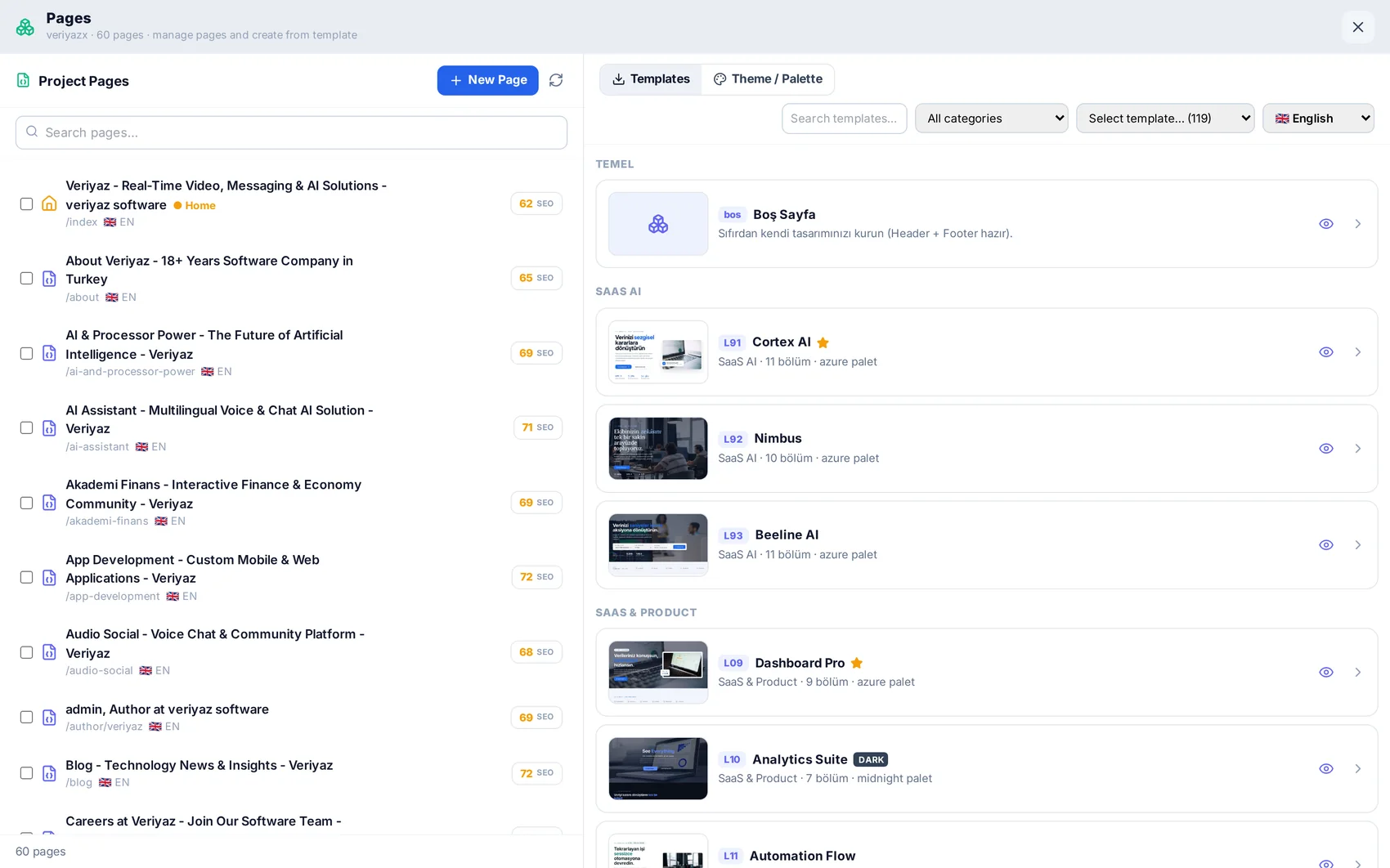
Pages, menus and templates
Add pages, start from ready layouts, and keep the navigation tidy in several languages.
Open guide →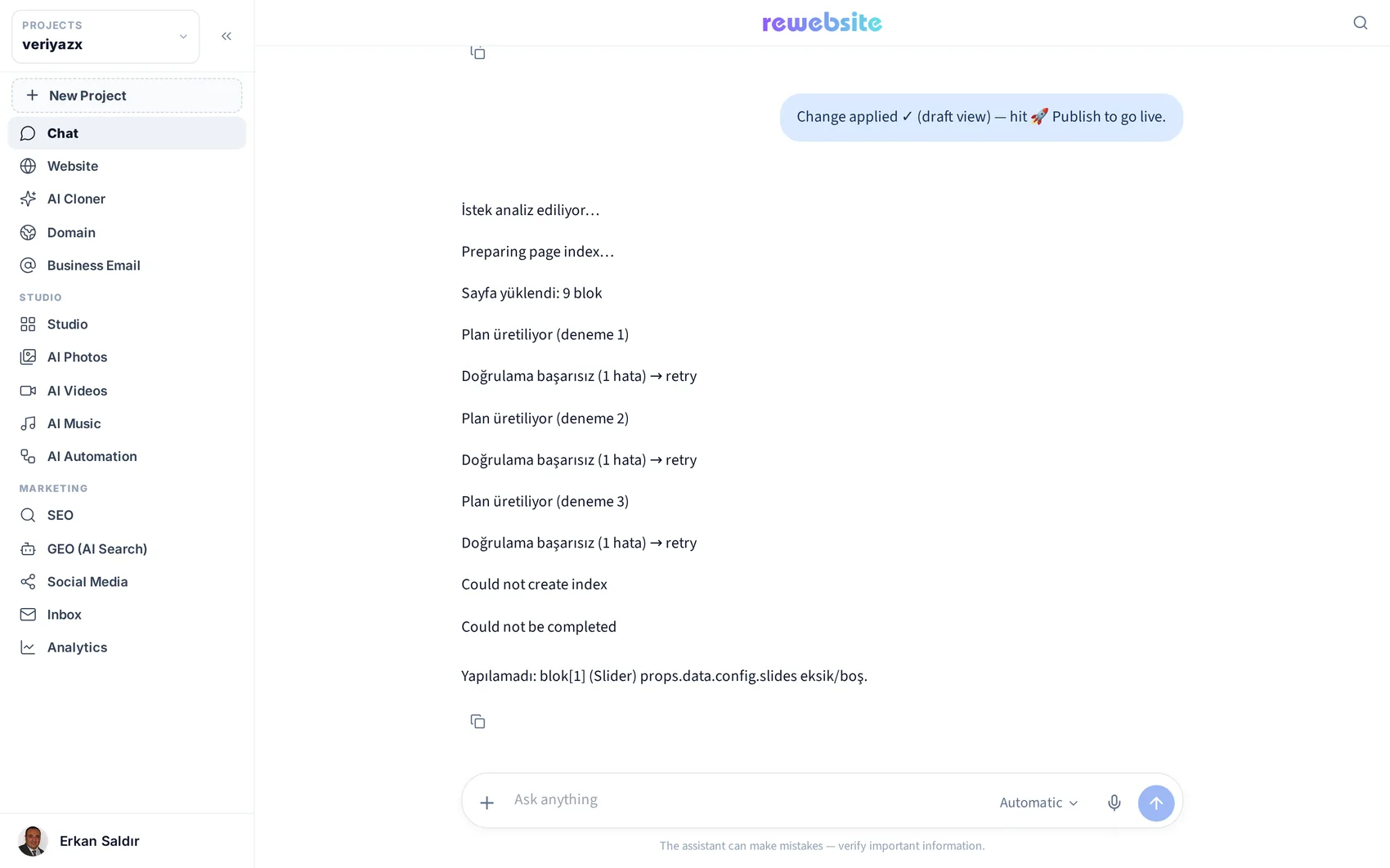
Editing by chatting
Ask for the change in your own words — new pages, new sections, rewritten copy, layout tweaks.
Open guide →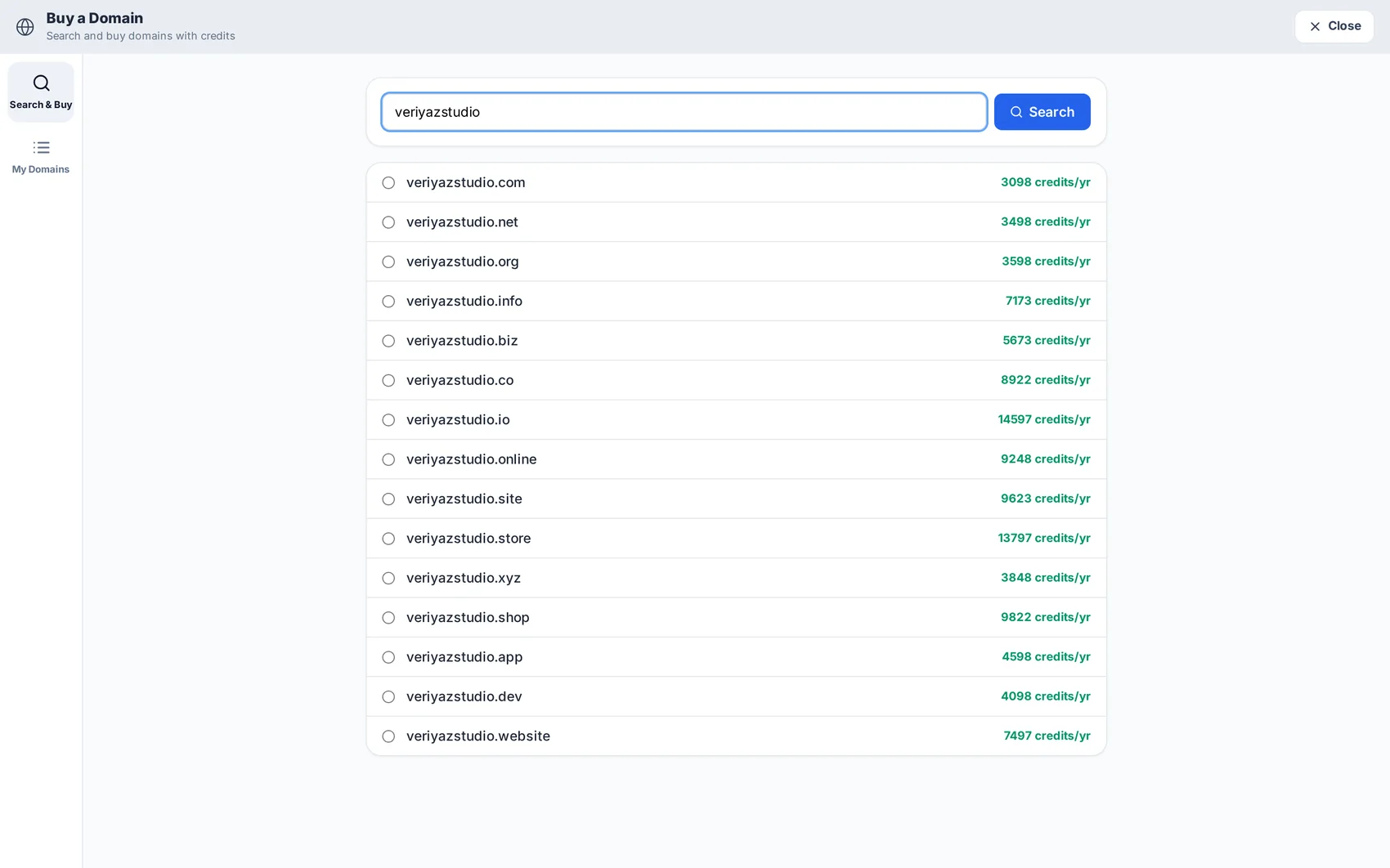
Domain, publishing and business email
Go live on your own domain with free SSL, and set up mailboxes on the same name.
Open guide →Producing the content
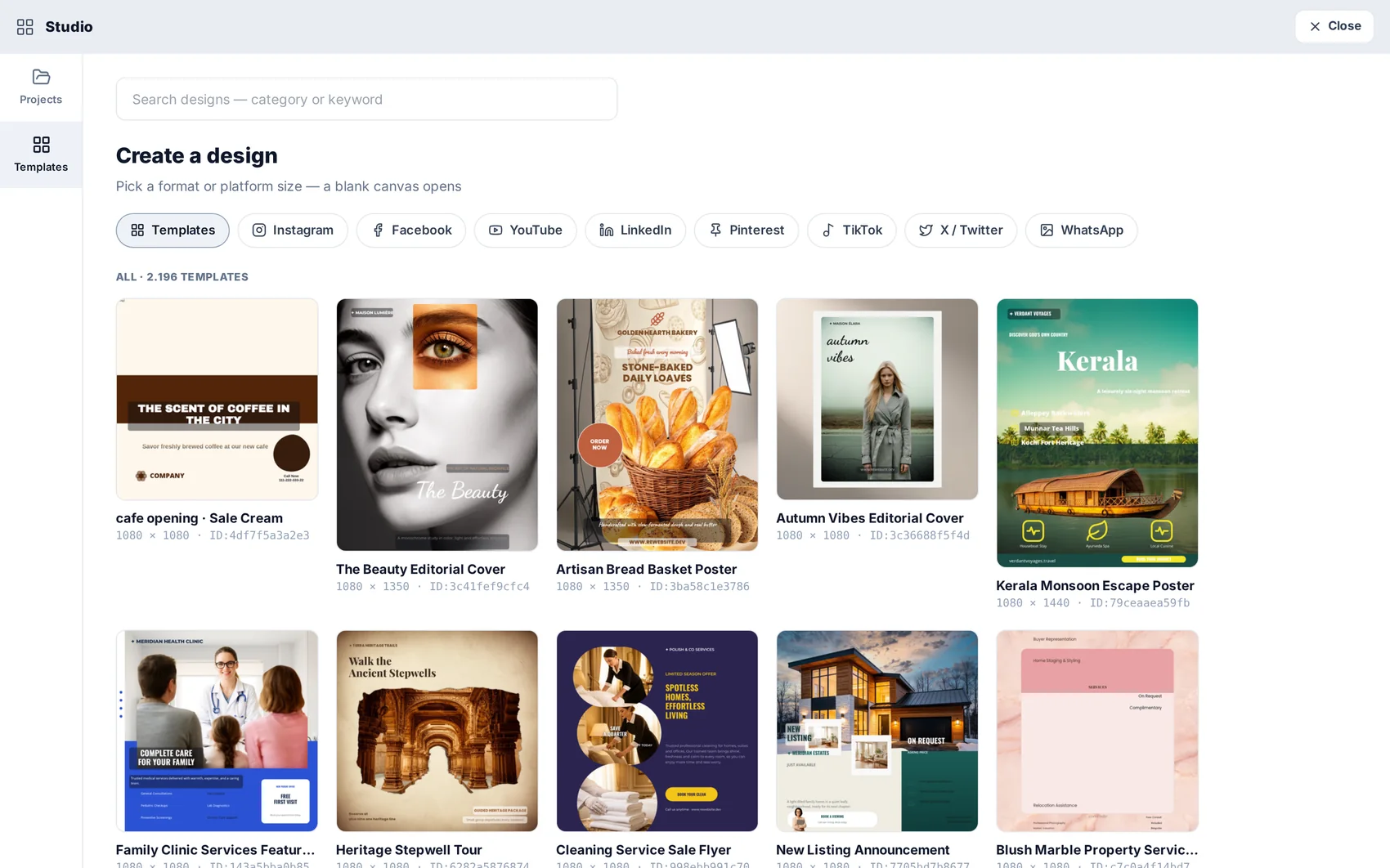
Studio: designing visuals for the site and social
Ready designs that adopt your brand, a layered canvas, and a direct route into pages and posts.
Open guide →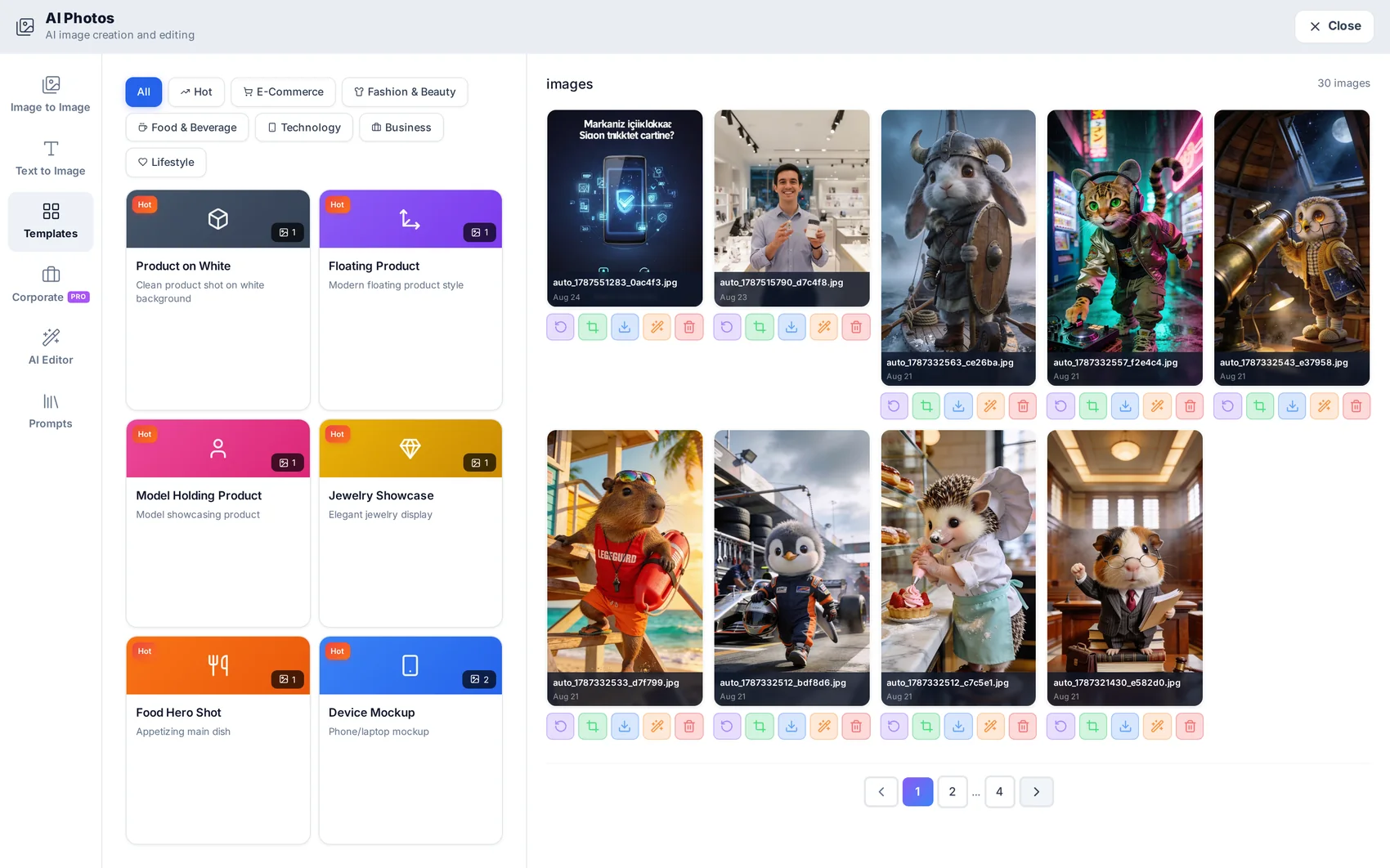
AI Photos: generating and editing images
Text-to-image, image-to-image, background removal and consistent corporate shots.
Open guide →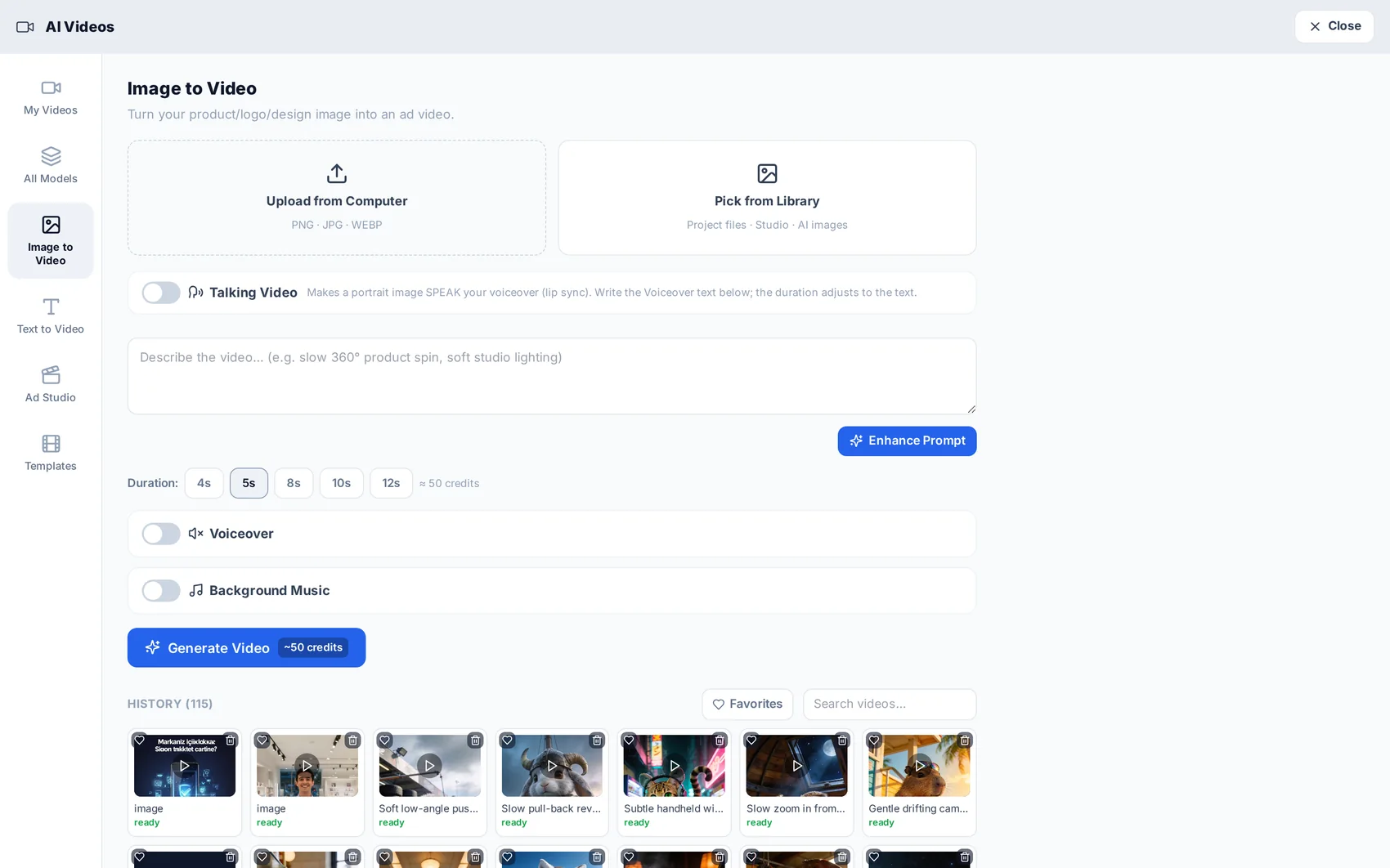
AI Videos: ads, avatars and product spots
Choose a model with the price in front of you, generate the video, and get finished audio with it.
Open guide →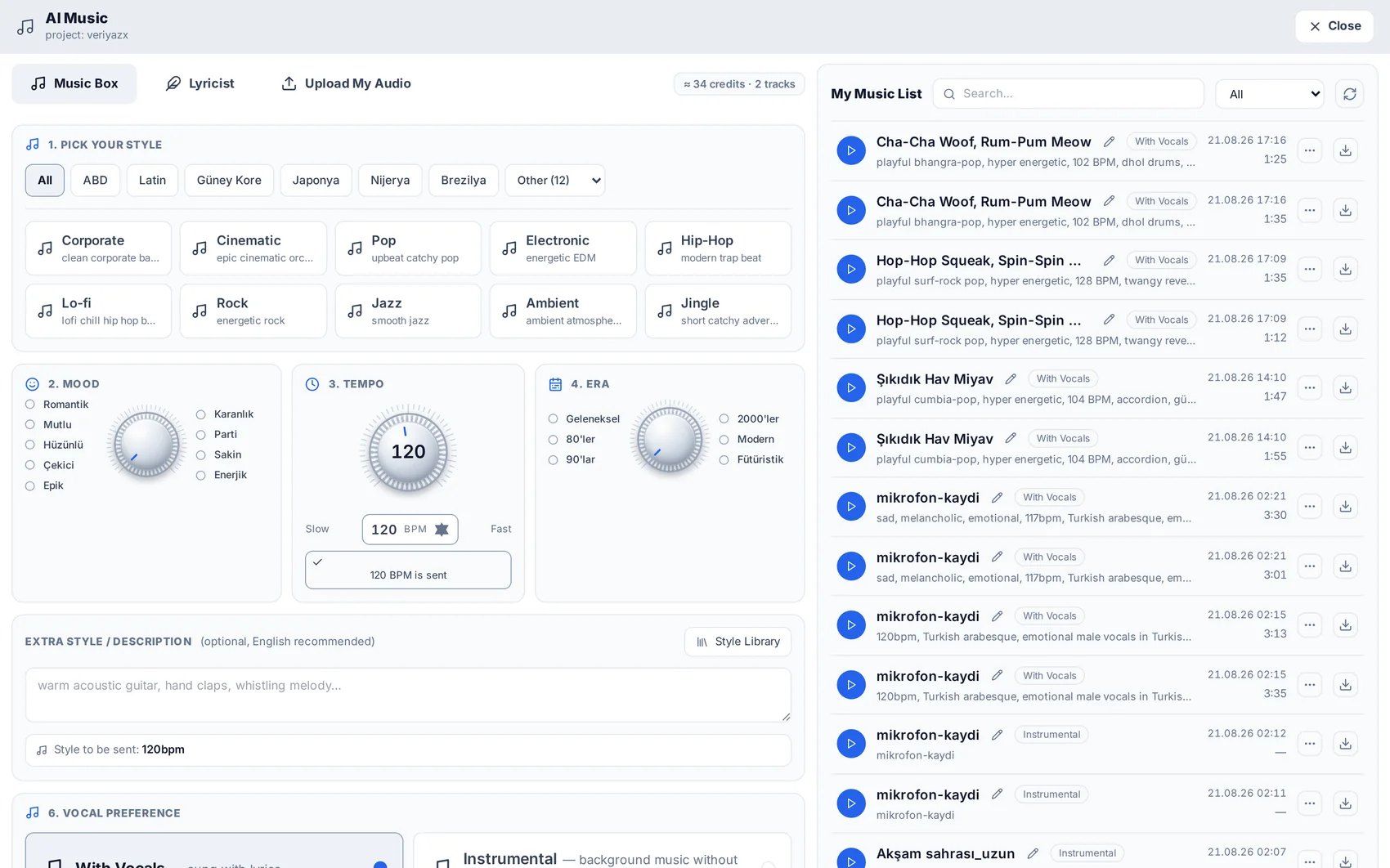
AI Music: jingles, tracks and lyrics
Make a brand jingle or a full song — optionally sung in your own voice.
Open guide →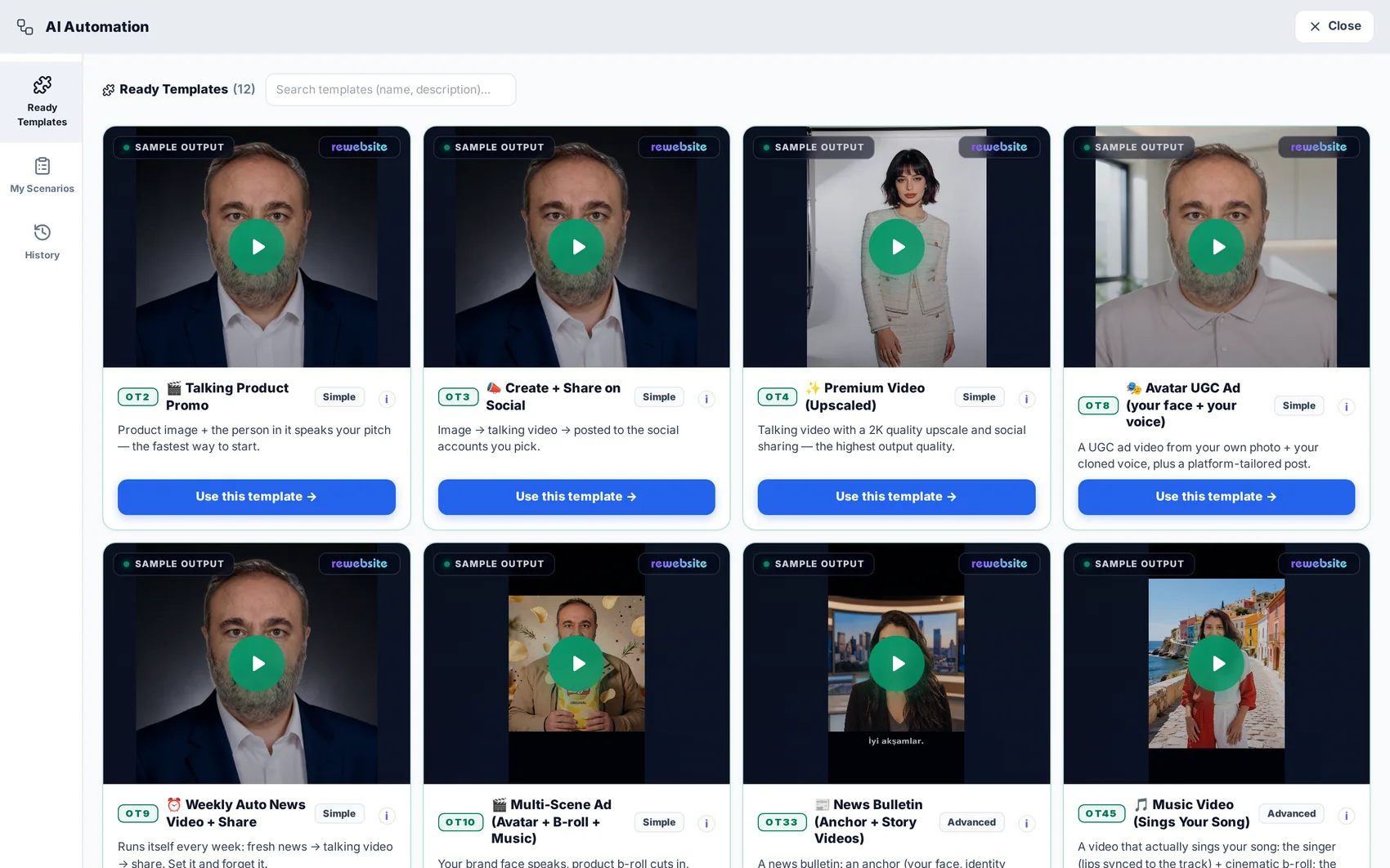
AI Automation: a content factory on a schedule
Turn a topic into a finished, published video — once, or every week without you.
Open guide →Getting found and staying visible
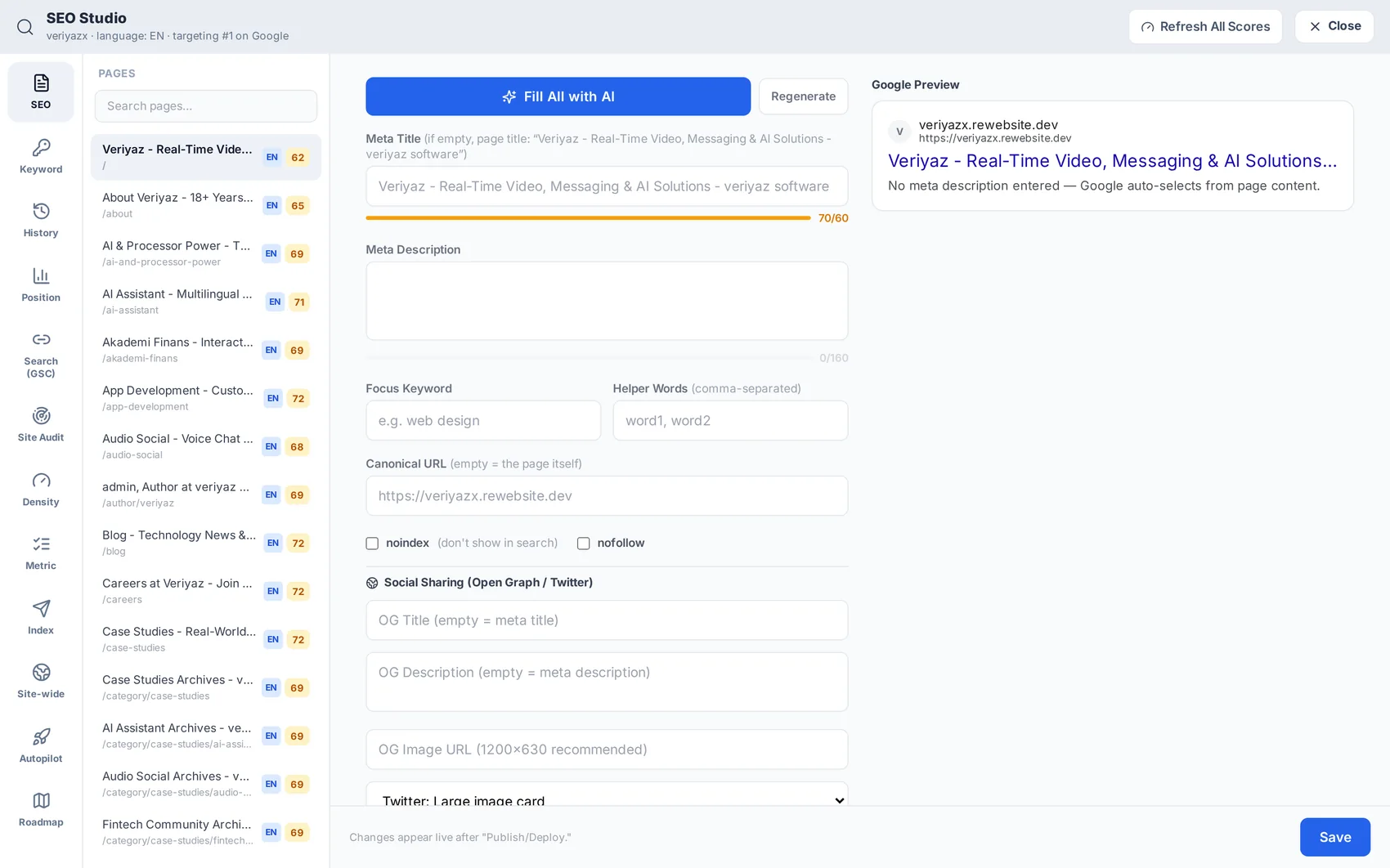
SEO: getting found in Google
Meta and sitemaps, keyword and position tracking, site audits, and your own Search Console data.
Open guide →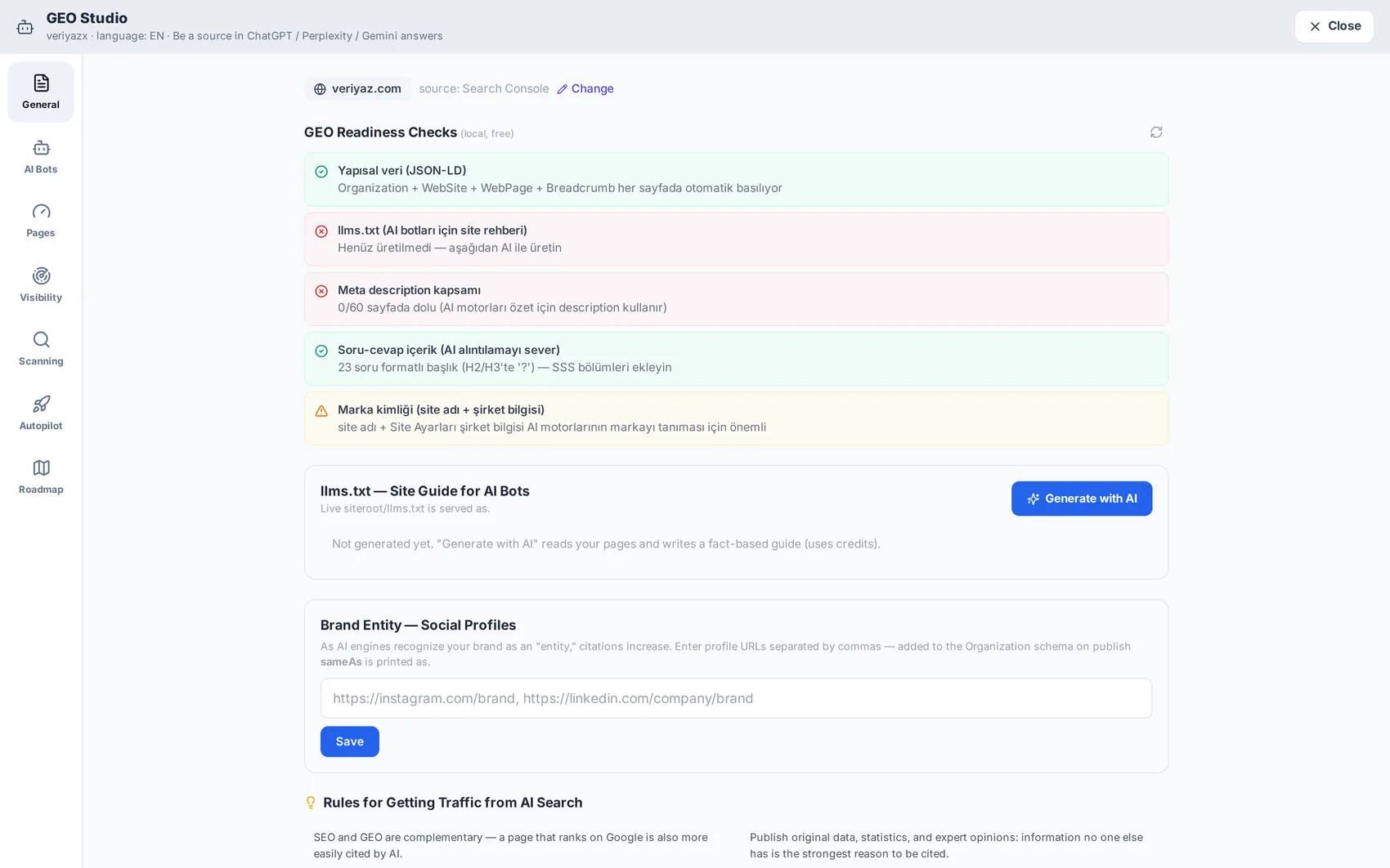
GEO: being named in AI answers
The newer half of search — making sure ChatGPT- and Perplexity-style answers mention your business.
Open guide →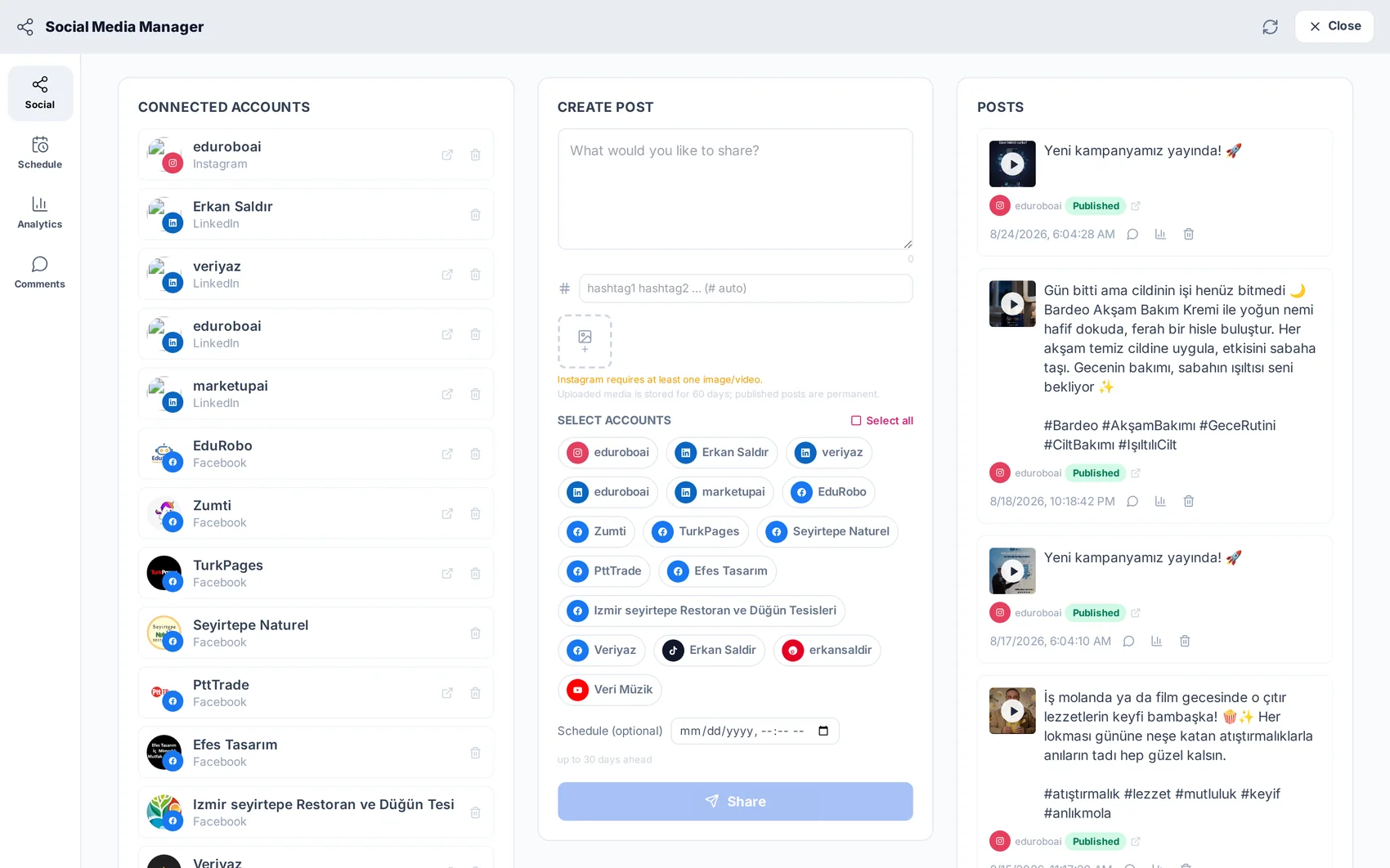
Social publishing and the shared inbox
Connect channels, schedule what you produced, and collect every reply and enquiry in one place.
Open guide →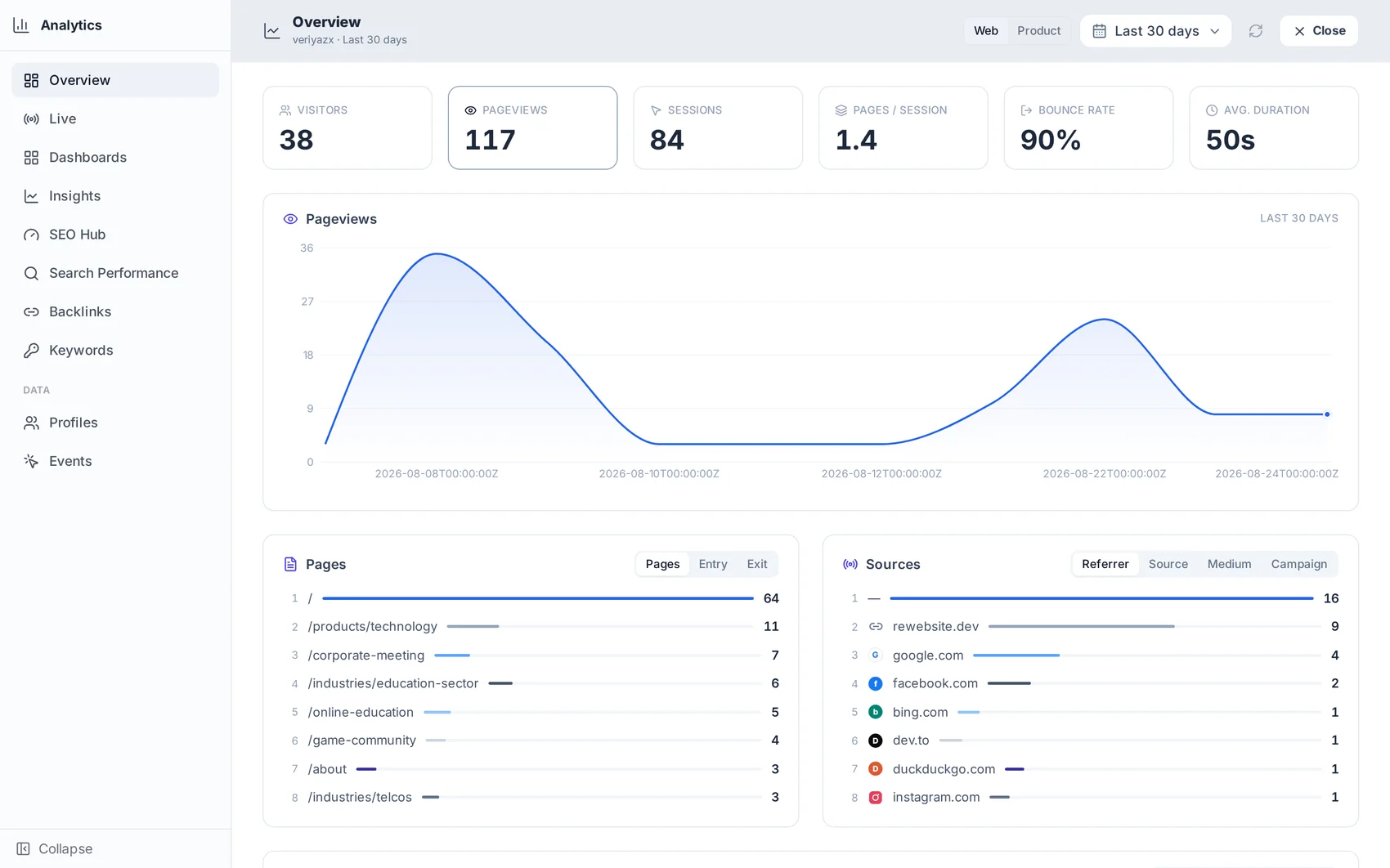
Analytics: knowing what worked
Cookie-free traffic, live visitors, events and conversions — beside your search performance.
Open guide →Plans, credits and billing
Stuck on something the guides do not cover?
Write to [email protected] and tell us what you were trying to do. Answers that come up often end up here as a new guide.