Studio: designing visuals for the site and social
Studio is the design editor. It replaces the tool you currently open in another tab to make a post image or a poster.
Start from a ready design
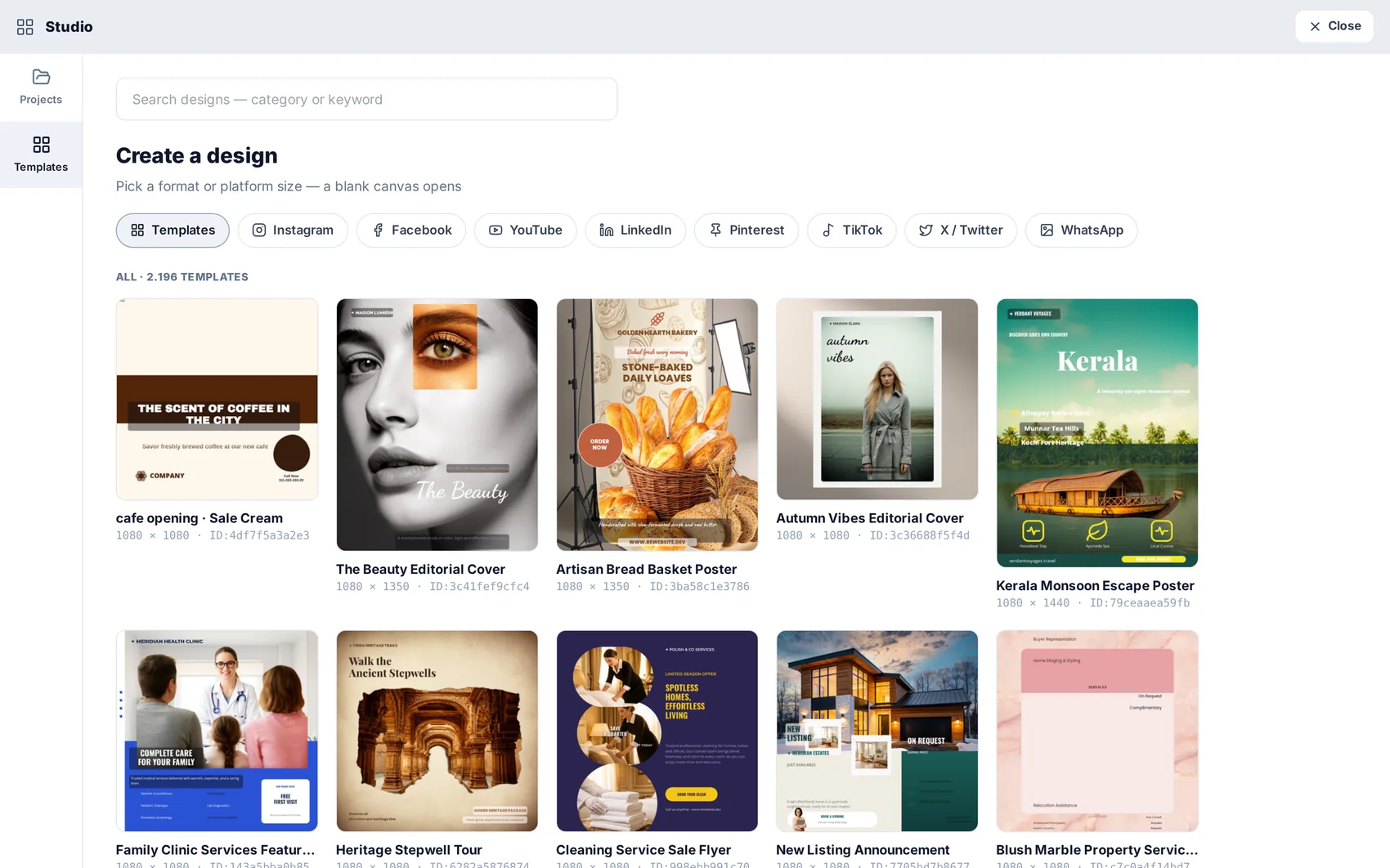
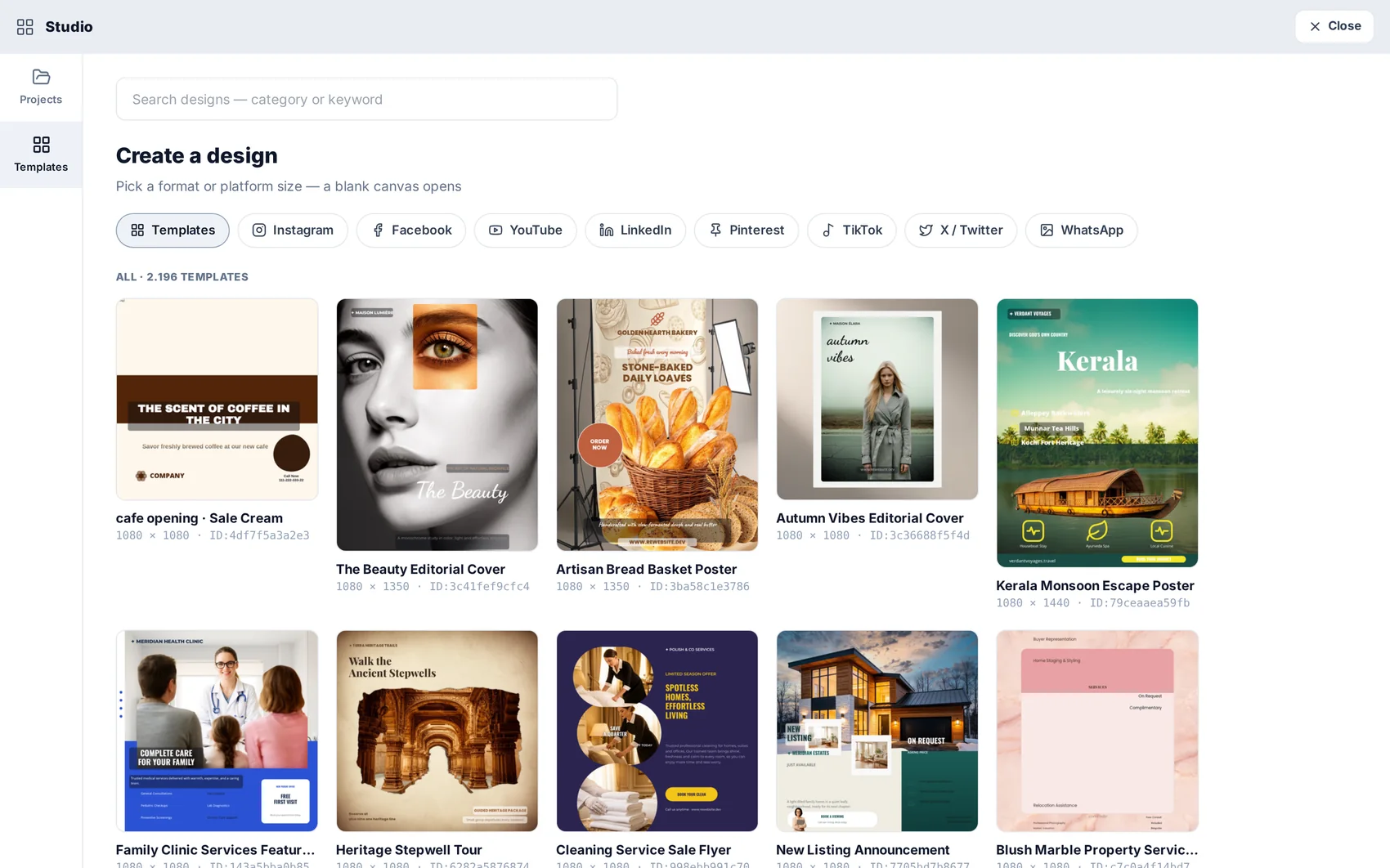
Open Studio and browse the template gallery by purpose — social post, story, poster, banner, card. Pick one and it arrives already using your brand colour and font, so it is a starting point rather than a stock image.
Edit on the canvas
Everything on the canvas is a layer: text, image, shape, group. Move, resize, rotate, mask, align. Alignment guides appear as you drag, and the layer panel keeps deep designs manageable.
Bring in AI images
Any image from AI Photos — a generated product shot, a cut-out with the background removed — is one panel away and drops straight onto the canvas.
Send it somewhere useful
Finished designs can be downloaded, dropped into a page section in the website editor, or attached to a scheduled social post without leaving the platform.